
Make a worksheet
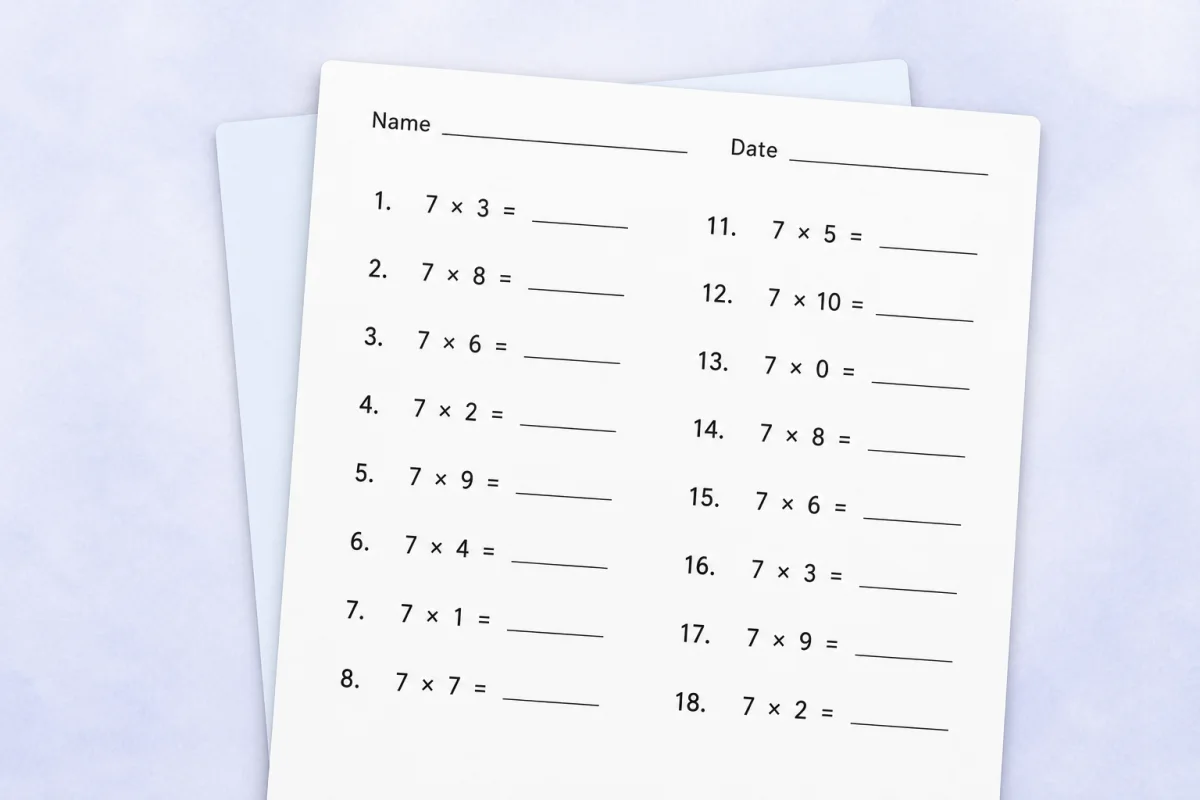
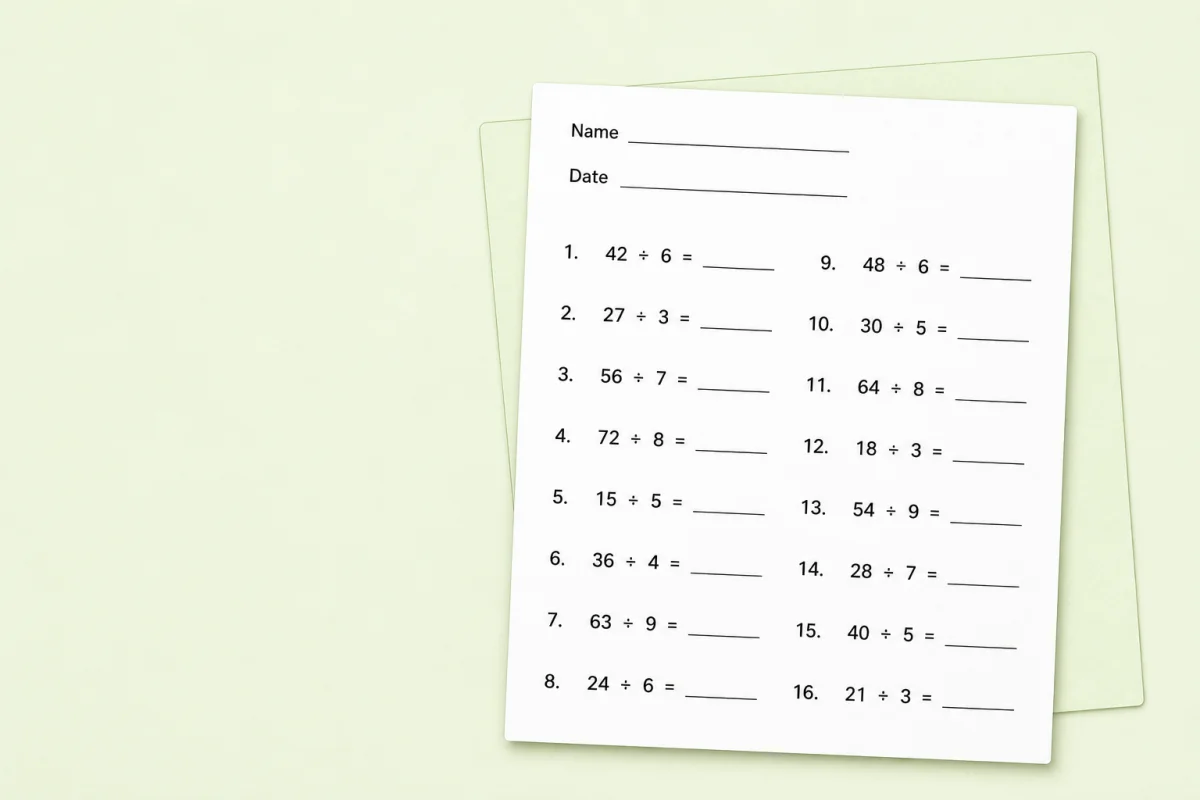
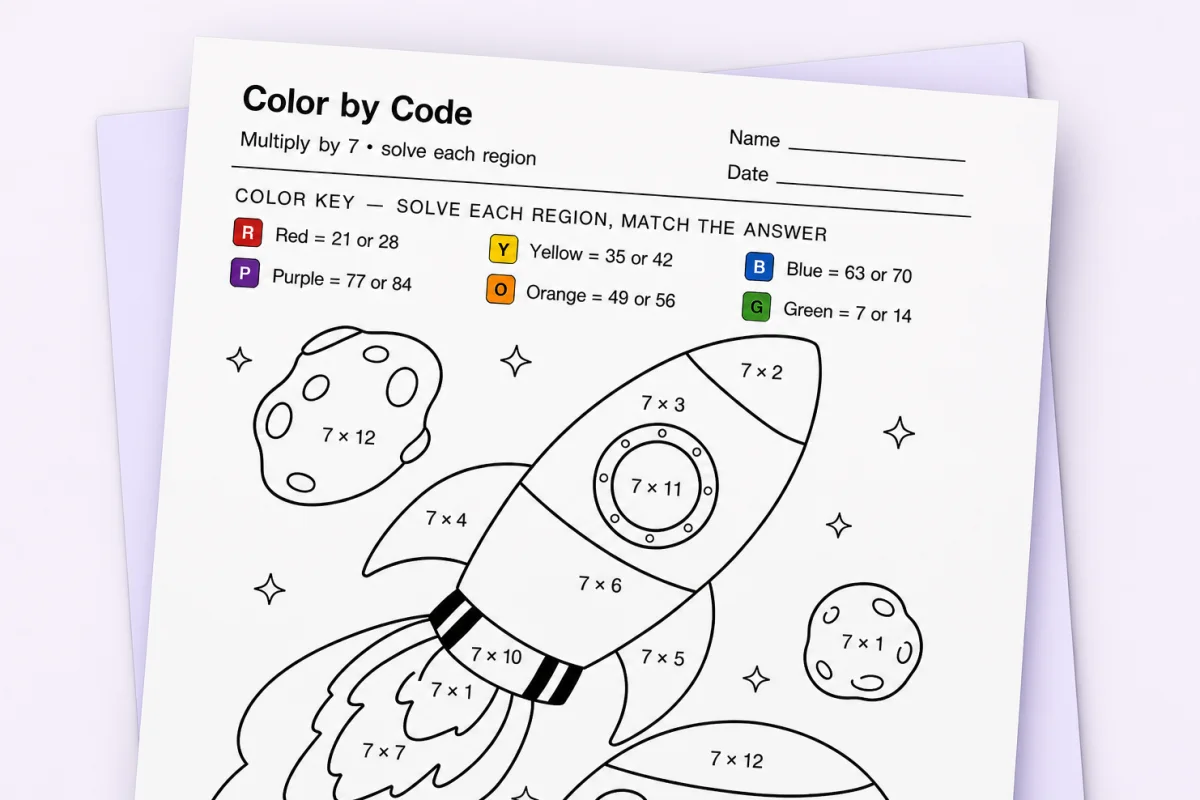
Pick a tool, choose the facts your class is working on, and print. Multiplication and division builders can add separate answer keys. Color-by-code sheets include a separate key. Tables print filled or blank, trackers have no answer key, and the flash-card studio can use mirrored answer backs or a separate answer key.
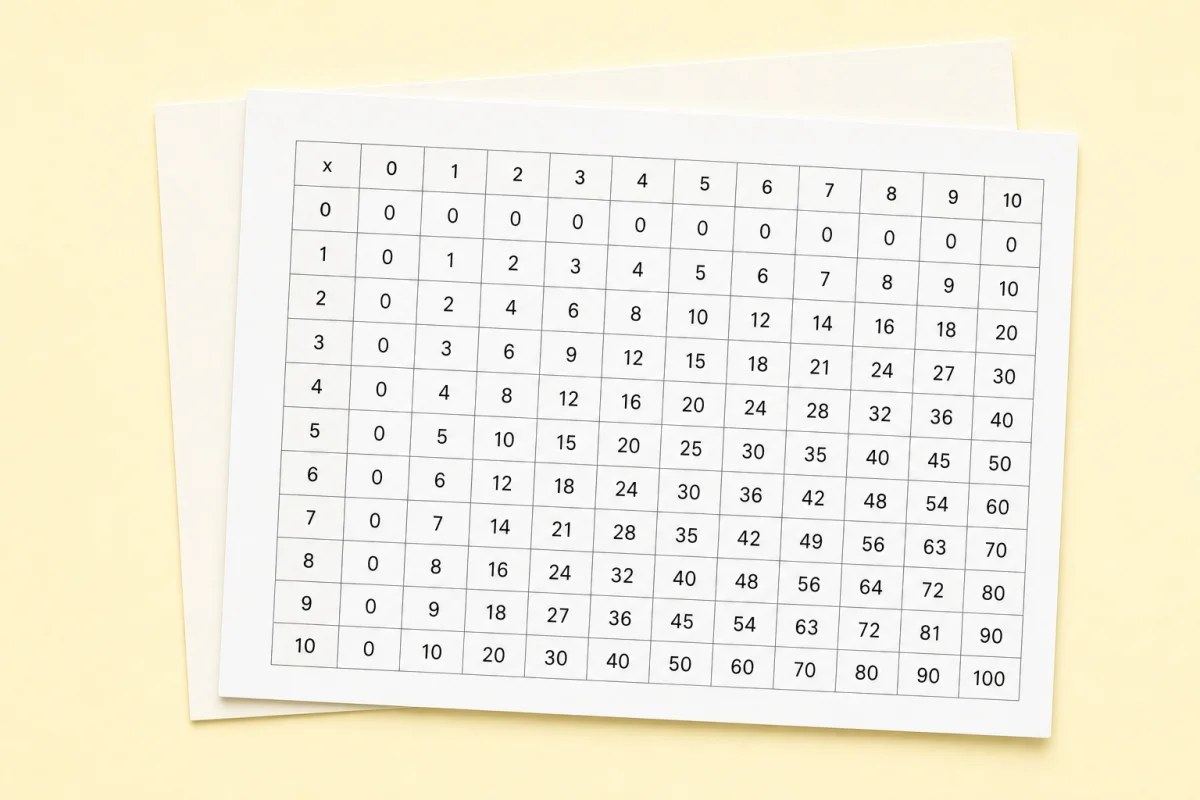
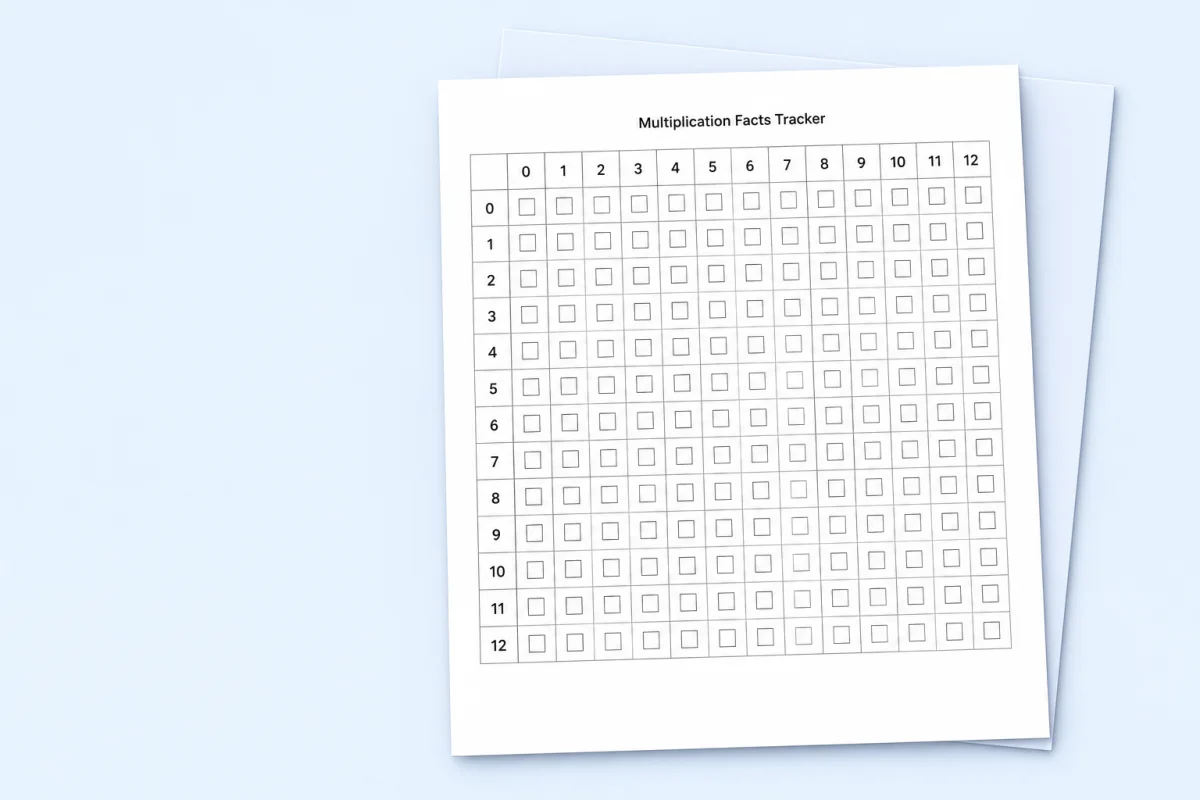
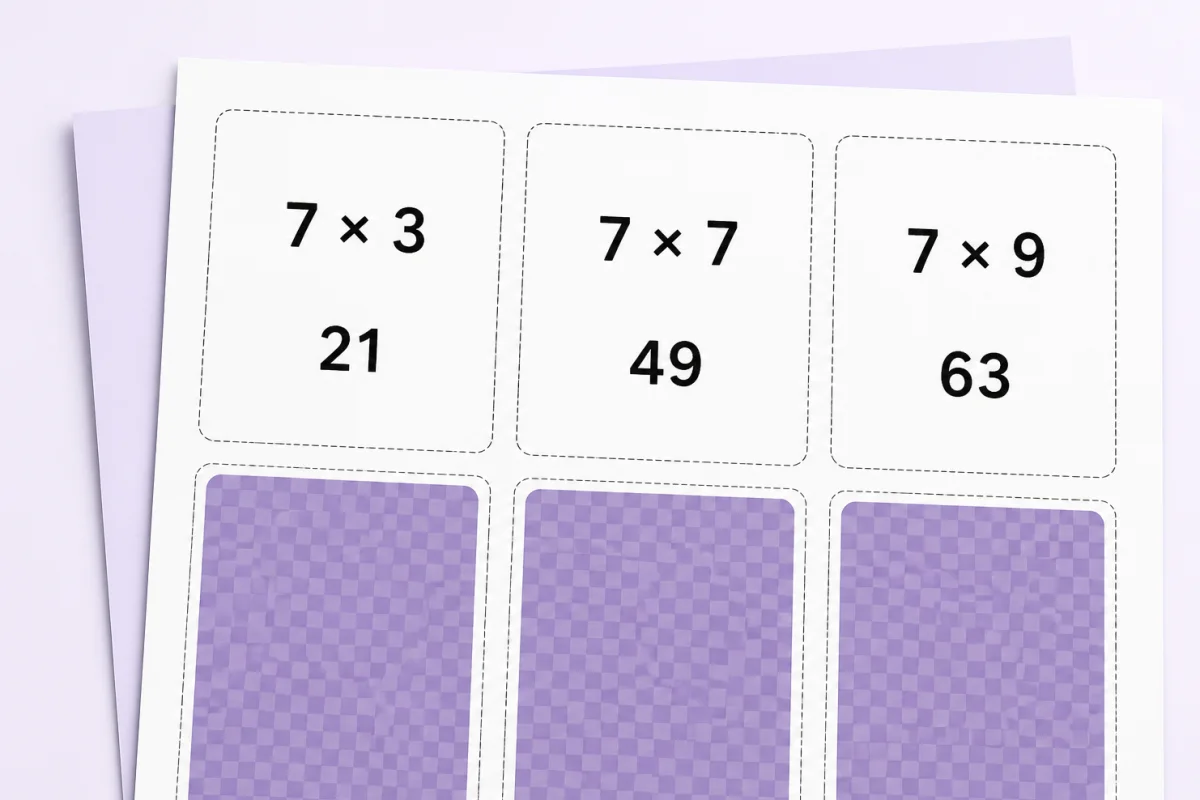
Everything on this page stays free. If you later want sheets built from one child's own slow facts, that lives in the app — see what the paid plans add.
Seasonal color-by-code
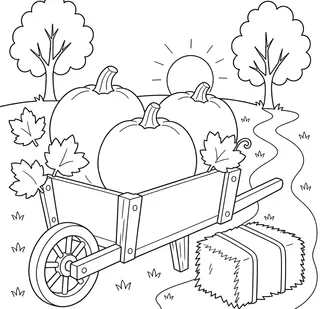
Browse picture collections without buying a separate worksheet pack for every fact set. Pick a season, then use the same picture for multiplication, division, addition, or subtraction.

Browse ready-made printables by grade or topic
Open a grade-honest collection or choose one operation. These short paths put the most useful ready-made resources before the individual fact-set libraries.
Browse by topic
For teachers
Filter all ready-made printables
Narrow the ready-made catalog by the grade and operation you are teaching today. The six worksheet-making tools stay at the top of the page.
51 ready-made printables shown
Featured ready-made resources
Fact-set libraries
Expand only the family you need. Every link is present in the page before JavaScript runs.
In the app: personalized sheets
Print the sheet this learner actually needs
Every printable above stays free and needs no account. A free account adds the one thing a blank generator cannot do: it remembers which facts each learner misses, so practice and reporting follow the gaps.
- One class, up to 30 learners, on the free teacher plan.
- Printed PIN cards for sign-in — no student email addresses.
- Basic progress reporting: how many facts each learner is still missing, and one to work on next.
Premium adds the Printables Lab: worksheets built from an individual learner’s struggling facts, with answer keys.
The free resources above use the options you choose on each page. Premium parents, teachers, and tutors can also build learner-specific sheets from authorized weak facts in the separate Printables Lab.
Open the in-app Printables LabFree printables FAQ
On this page. Open any printable, choose its options, and print it. To keep a copy, pick "Save as PDF" in your browser print box. No account and no email address are needed.
Yes. Every printable here prints for free with no account, no email gate, and no watermark across the problems.
Yes. Print as many copies as you need. On the generators, press "New version" between prints so each student gets a different set of problems.
The multiplication and division builders can add a separate answer key, and color-by-code sheets include one. The table tool prints a filled or blank chart, mastery and summer trackers have no answer key, and the flash-card studio can use mirrored answer backs or a separate answer key.
Yes. Every printable in this public catalog is free to open and print with no signup. Use the sheets as a supplement alongside your school or homeschool curriculum.
No. Each tool prints directly from its page. Open the printable, choose its options, and use your browser print dialog to print it or save it as a PDF.
Filter by grade and operation, then choose the format that fits the lesson. Use a focused worksheet for independent practice, a tracker for progress checks, or cards for partner review.
No. These resources work alongside your curriculum. They provide extra fact practice, references, and progress checks; they are not a complete instructional program.