
Build Your Fluency Sheet
1. Choose a fact group, in teaching order
Or one table
2. Choose how many problems
Group 1 (2s, 5s and 10s): 40 problems on this sheet. Set 1. Copy the page address to reopen this exact sheet.
Multiplication Fluency: Group 1: 2s, 5s and 10s
- 1.10×7=
- 2.8×2=
- 3.3×2=
- 4.3×10=
- 5.3×5=
- 6.11×10=
- 7.9×10=
- 8.2×4=
- 9.5×12=
- 10.10×12=
- 11.12×10=
- 12.10×2=
- 13.6×5=
- 14.10×11=
- 15.7×5=
- 16.10×10=
- 17.5×8=
- 18.4×2=
- 19.10×3=
- 20.2×9=
- 21.2×7=
- 22.5×2=
- 23.12×2=
- 24.2×11=
- 25.8×5=
- 26.9×5=
- 27.7×10=
- 28.4×5=
- 29.10×5=
- 30.9×2=
- 31.5×7=
- 32.2×2=
- 33.5×11=
- 34.2×5=
- 35.6×2=
- 36.8×10=
- 37.4×10=
- 38.5×6=
- 39.11×5=
- 40.10×4=
Answer key
- 1.10×7=70
- 2.8×2=16
- 3.3×2=6
- 4.3×10=30
- 5.3×5=15
- 6.11×10=110
- 7.9×10=90
- 8.2×4=8
- 9.5×12=60
- 10.10×12=120
- 11.12×10=120
- 12.10×2=20
- 13.6×5=30
- 14.10×11=110
- 15.7×5=35
- 16.10×10=100
- 17.5×8=40
- 18.4×2=8
- 19.10×3=30
- 20.2×9=18
- 21.2×7=14
- 22.5×2=10
- 23.12×2=24
- 24.2×11=22
- 25.8×5=40
- 26.9×5=45
- 27.7×10=70
- 28.4×5=20
- 29.10×5=50
- 30.9×2=18
- 31.5×7=35
- 32.2×2=4
- 33.5×11=55
- 34.2×5=10
- 35.6×2=12
- 36.8×10=80
- 37.4×10=40
- 38.5×6=30
- 39.11×5=55
- 40.10×4=40
Teaching a class? Give every student short daily practice, free
A printed sheet is one round of practice. A free Math Builders class adds short daily fact practice beside it, and it supplements your math curriculum rather than replacing it.
- One free class, with no student limit.
- Students tap their name at a class link. No student email addresses.
- Practice takes 2 to 5 minutes at a time, alongside your curriculum.
- Printable home cards for families, from the class workflow.
Which Sheet for Which Week
The groups follow the order the app introduces new facts, so a sheet in class matches what students meet in practice. Move to the next group when most of the class is quick on the last one.
- Group 1: 2s, 5s and 10s. Start here. These are the first tables the app introduces, so this is the sheet to print on the first day of a unit.
- Group 2: 3s and 4s. Print this once students are quick on Group 1. Add a 20-problem Group 1 review at the start of the week so the new tables sit beside facts they already know.
- Group 3: 6s to 9s. These tables come later in the order and cover the most facts. Print one table at a time (the 6s, then the 7s) rather than the whole group on one sheet.
- Group 4: 11s and 12s. Last in the order. Many facts here are earlier facts turned around (11 × 3 is 3 × 11), so a 40-problem sheet covers the group.
Mixed review draws from every table from 2 to 12. Use it for the last sheet of a unit, or to see which tables slipped over a break. The single-table sheets cover 2, 5, 10, 3, 4, 6, 7, 8, 9, 11, 12, in teaching order.
How to Use a Fluency Sheet
- Keep it to one sheet in one sitting. A tired student who guesses through the last twenty problems is practicing errors.
- Pick a time and keep it the same from sheet to sheet, so scores are comparable. Count only the answers that are correct.
- Mark with the answer key, then circle the facts a student missed. A fact that was right but took counting on fingers belongs on the same list.
- Practice the circled facts for 2 to 5 minutes at a time, then print a new version of the same group and compare.
Pair a Sheet with the Tracker and Class Practice
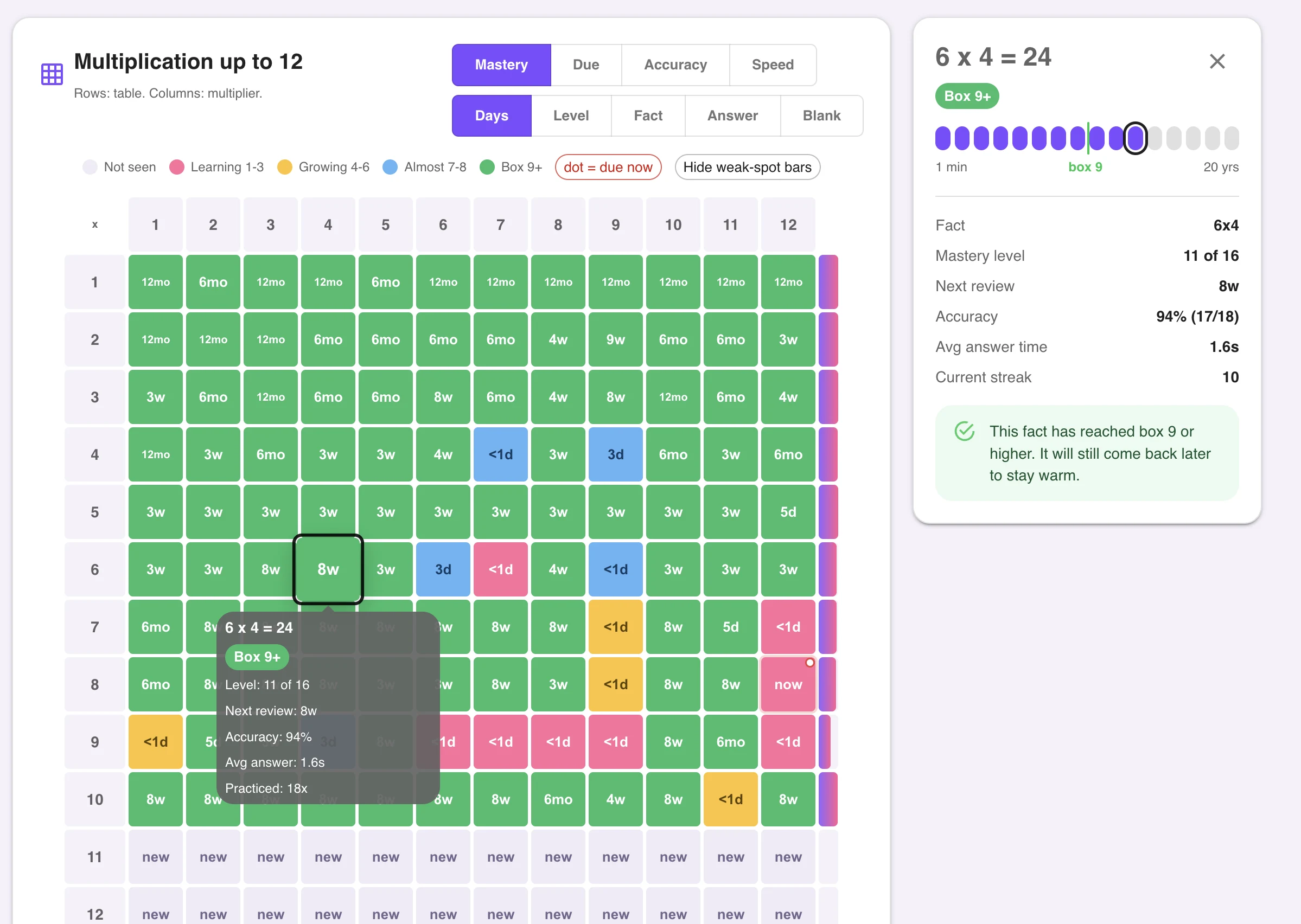
A sheet shows what a student knows today. The math mastery tracker keeps that result week to week, so color in the facts a student has shown on a sheet and leave the rest open. Class practice builds the facts the sheet found slow: set the same tables as the class focus tables and the daily practice works on them.
For a whole-class view before you start, use the multiplication fact assessment with its class recording sheet. For one student against a clock, use the multiplication timed test.
More Multiplication Printables
Multiplication worksheets — pick any tables from 0 to 12 and add themed or visual styles.
Multiplication fact fluency — how many facts per minute to expect by grade, and an untimed 40-fact check.
Math Builders for teachers — set up a class so practice and results follow each student.
Frequently Asked Questions
It is a one-page sheet of multiplication facts that a student answers without a calculator or a chart, with room for a name, a date, and a score. The sheet is a quick look at which facts a student knows by recall. It does not teach the facts. Use the result to choose what to practice next.
Start with Group 1, the 2s, 5s, and 10s, and move down the groups in order: 3s and 4s, then 6s to 9s, then 11s and 12s. This is the order the Math Builders practice app introduces new facts. Print the sheet for the group your class is working on, and print the mixed review sheet once two or more groups are done.
Choose 20 problems for a short check, 40 for a standard sheet, and 60 when you want a long review across several tables. A single table has fewer different facts than that, so a one-table sheet prints each fact once and stops instead of repeating a fact to reach the number you picked.
No. Multiplying by 0 and by 1 follows a rule, so a fluency sheet leaves those facts out and uses the factors 2 through 12. Teach the two rules directly and check them in conversation rather than with a page of drills.
Yes. The answer key is the second page. It carries the same set number and the same problem numbers as the student sheet. Turn the key off if you only want the student page. Make another version for a fresh set of problems, and the key changes with it. The page address records the selection, the count, and the set number, so you can copy it to reopen the same sheet later.
Yes. The sheet scales to the paper your printer uses, so it fits US Letter and A4 on one page without cropping. Print from the browser and leave scaling on the default setting.
No account is needed and the sheets are free. Printing does not record a score. To keep results for a class, use the class tools in the Math Builders teacher app.